Making videos for social media and ads has changed a lot in recent years. People want content that feels real and comes from everyday users. This is called user-generated content, or UGC. It helps brands connect with customers in a way that looks honest and fun. Now, smart tools use artificial intelligence to make these videos faster. One big part is AI voiceovers. These let you add talking sounds without hiring a real person. They can sound just like a friend chatting about a product.
Think about a small shop owner who needs quick videos to show off new items. Before, they had to record friends or pay for voice actors. Today, AI tools handle the talking part. You type a script, pick a voice, and the tool makes it speak. This saves time and money. It also lets you try different styles to see what works best on platforms like TikTok or Instagram. As we look at 2025 options, these tools keep getting better at making voices that feel warm and true.
What Makes UGC Videos Special?
UGC videos stand out because they look like real people made them. No fancy studios or perfect lights. Just someone holding a product, smiling, and sharing why they like it. AI voiceovers fit right in. They add words that match the video’s feel. For example, a excited voice for a fun gadget review. Or a calm one for a how-to guide.
These tools blend video clips with smart sounds. Some even match the voice to a moving avatar, like a digital person who talks and moves its lips. This makes the whole video flow smooth. Brands use it for ads on Facebook or short clips on YouTube. The goal is to grab attention fast. In 2025, more tools focus on real-sounding voices in many languages. This helps reach folks around the world.
A post on X from growth marketer Nick Theriot explains how UGC scripts use “I, me, my” to feel personal, while AI voiceovers stick to brand tones like “Do you struggle with…?” This mix keeps videos fresh and engaging.
Why Choose AI Voiceovers for Your Videos?
AI voiceovers speed things up. You can make a full video in minutes, not hours. Pick from hundreds of voices – young, old, male, female, or accents from different places. Some tools let you copy your own voice. This keeps things personal. No more bad takes or noisy rooms.
For UGC, it’s key to keep it simple. The voice should sound like a real chat, not a robot. Good tools fix that with soft tones and pauses that feel natural. They also add feelings, like joy or surprise. This pulls viewers in. Plus, you can change the speed or pitch to match the video’s energy. Over time, these features help creators test ideas quick. What works in one video might not in the next, so easy tweaks matter.
On Reddit, users debate AI fatigue but note sped-up AI voiceovers boost performance by 15-30% in UGC ads. One commenter shared: “AI voiceover + B-roll is more likely to get spend… far better than templated stuff.”
Is AI UGC working for you, or are you seeing fatigue on those types of ads?
byu/alicia93moore inFacebookAds
Why These Stand Out in 2025-2026?
AI voiceovers have leveled up with better lip-sync and feelings like joy or calm. For UGC, they pair with avatars to mimic real user chats. A Reddit user tested 10 tools and loved how ElevenLabs fixes bad takes without reshoots. Start with free tiers to try.
Tips to Get Started
- Write short scripts (under 60 seconds) for hooks.
- Test voices: Match upbeat for fun products, steady for guides.
- Add B-roll clips for that home-video feel.
Top Tools for AI Voiceovers in UGC Videos
Let’s dive into some leading tools. Each one brings something unique to making UGC videos. We’ll look at how their voice features work, what users like, and how they fit daily tasks. Based on 2025 reviews, these stand out for ease and realism.
Quick Comparison Table
| Tool | Languages | Voice Cloning | Best For UGC Type | Starting Price | User Rating (2025) |
|---|---|---|---|---|---|
| HeyGen | 175+ | Yes (paid) | Product demos | Free trial | 4.8/5 |
| Synthesia | 140+ | Enterprise | Brand explainers | Free (3 min) | 4.7/5 |
| ElevenLabs | 29+ | Yes (all) | Emotional reviews | $5/month | 4.9/5 |
| InVideo AI | 50+ | Basic | E-com ads | $20/month | 4.5/5 |
| Creatify | 40+ | Yes | Short TikToks | $39/month | 4.4/5 |
HeyGen: Smooth Avatars and Global Voices
HeyGen shines for creators who want videos that feel like quick friend talks. It turns text into full videos with talking avatars. The voice part is strong here. You get over 175 languages and dialects. Voices sound close to real people, with options for accents that match your audience.

One cool trick is voice cloning. On paid plans like Creator, you record a short sample. The tool learns your tone and makes it speak any script in any language. This is great for UGC where you want a “you” voice without re-recording. Lip-sync matches perfect, so the avatar’s mouth moves just right. Users say it’s easy to add background music or effects too.
Pricing starts simple. The free trial lets you try basics. Then, plans from about $29 a month give unlimited videos. No extra fees for ads. Folks on social media share how it cuts time on product demos. For example, a marketer noted making a 60-second clip in under 10 minutes, ready for TikTok.
It’s built for scale, so small teams can pump out lots of content. Pros include fast translation. Type in English, get Spanish output with the same feel. Cons? The interface updates often, so new users might need a bit to learn. But once set, it’s a go-to for lively UGC. From HeyGen’s site, users like Miro report 10x faster production.
A Facebook group post highlights HeyGen for AI-generated UGC: “Use tools like HeyGen to create videos with AI avatars that speak your message… in minutes.”
Synthesia: Pro Looks with Wide Voice Choices
Synthesia feels like a studio in your browser. It’s top for clean, trust-building videos. Over 230 avatars look real, from diverse faces to fit any brand story. Voices cover 140 languages, with native sounds that don’t feel off.
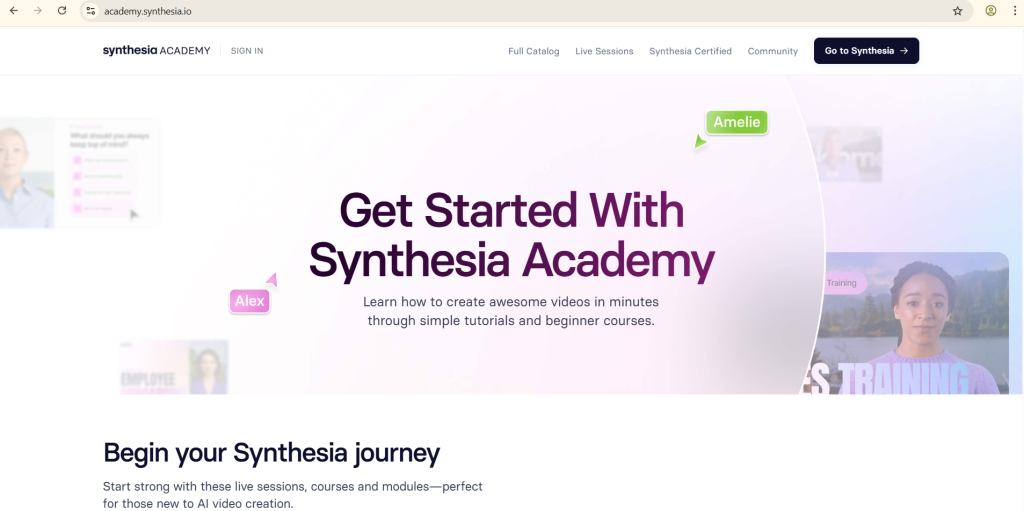
The voice library is huge. Pick calm narrators or upbeat ones. For UGC, it adds that personal touch without polish overload. Voice cloning comes on higher plans, like enterprise. This means big teams get custom sounds, but starters use stock options that still shine. Expressive delivery syncs with avatars for natural talks.
Free plan gives 3 minutes a month, perfect for tests. Paid tiers start custom, but a 7-day trial unlocks full features. Users love the brand kit for logos and colors. It fits UGC by letting you update videos fast without re-shoots.
Testimonials glow: One team cut video time from weeks to minutes. On X, Fraser Cottrell calls Synthesia great for unaware audiences with UGC or AI voiceovers.
In a Reddit thread, creators rank it high for corporate UGC, noting “large avatar/voice library for global content.”
The best AI video generators that I tried this year
byu/adrianestile ingenerativeAI
Deep Dive: How Synthesia Handles Emotions in Voices
Synthesia adds feelings to voices, like excitement for a sale or trust for reviews. This matters in UGC, where flat tones turn off viewers. Pick from hundreds of AI voices that pause naturally and stress key words.
For example, upload a script about a skincare routine. The tool pairs it with an avatar applying lotion, voice saying “My skin feels so soft now” with a warm smile. Analytics track watch time, so you tweak for better hooks.
Users on Facebook praise similar tools for “human-looking faces and realistic voices” in UGC.
ElevenLabs: Emotions and Cloning That Feel Real
ElevenLabs leads for voices that pack a punch. It’s all about cloning and feelings. Upload a 30-second clip of your voice, and it copies the tone for any script. This shines in UGC reviews, where you want it to sound like a happy customer.
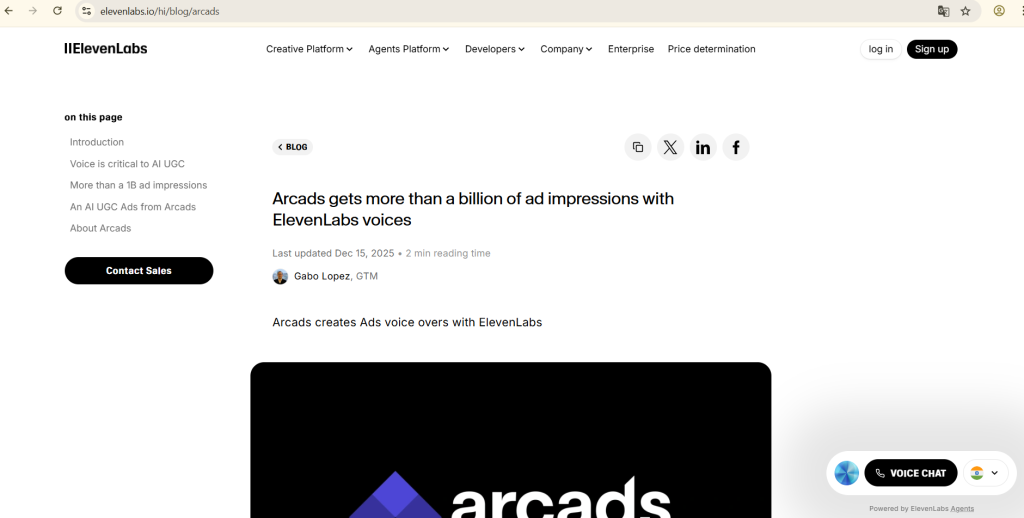
Supports 29+ languages, but excels in English accents. Add joy, anger, or calm to match moods. For videos, it pairs with tools like CapCut for quick edits.
Free tier gives basic use; paid starts at $5/month for more minutes. Creators say it’s a game-changer for fixing reshoots. A YouTube review calls it the “#1 pick for realistic AI voices in 2025.”
On X, a user raved: “AI voiceover (ElevenLabs with cloned voice) → turned into talking AI… looks BETTER than real actors.”
Reddit folks use it with Descript for UGC polish: “Overdub missing voice lines without reshoots.”
Voice Speed Tricks for UGC Hooks
ElevenLabs lets you tweak speed by 15-30%, as one X post tested: “Sped-up versions outperformed normal speed in UGC and AI voiceover ads.”
This grabs eyes fast on scrolls.
InVideo AI: Hands-On Product Demos with Voice
InVideo AI fits e-commerce UGC like a glove. It makes actors “hold” products in videos. Voices in 50+ languages add narration that feels like a user unboxing.
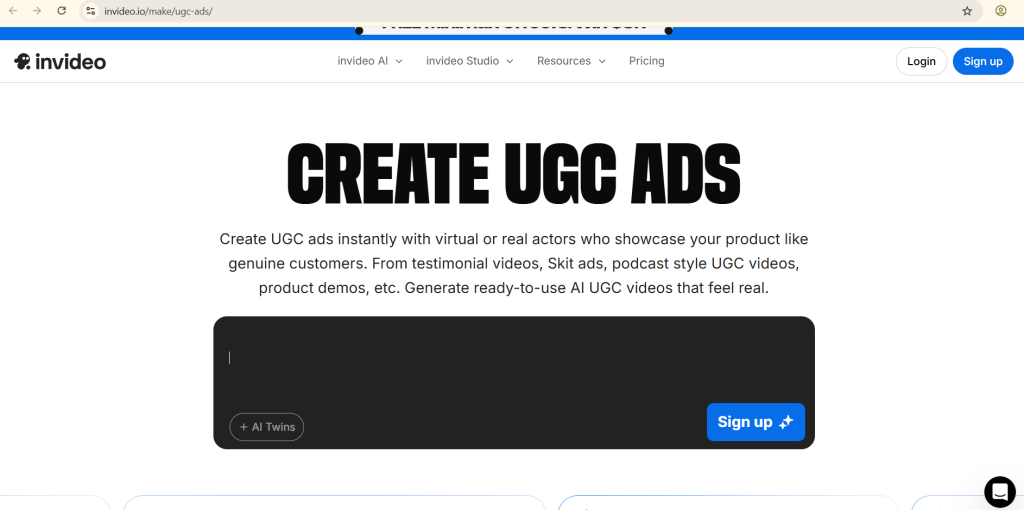
Basic cloning on all plans. Turn text to video in seconds, with hooks for TikTok. Free trial; plans from $20/month.
Pros: Big library for quick starts. Cons: Support can lag, per Reddit. “Large libraries save time, but rendering bugs deduct credits.”
I have tested 10+ AI UGC ad tools, so that you can create UGC style ads for your startup. Here are my top 5 picks (Pros and Cons)
byu/Kml777 inPromptEngineering
A Facebook group lists it top for “product demos and TikTok-style content in minutes.”
Integrating B-Roll for Authentic Feel
Pair InVideo voices with stock clips. An X tip: “Put B-roll and AI voiceover together for quick tests… better than scammy shorts.”
Other Strong Contenders in 2025
Creatify: Quick Tests for Social Ads
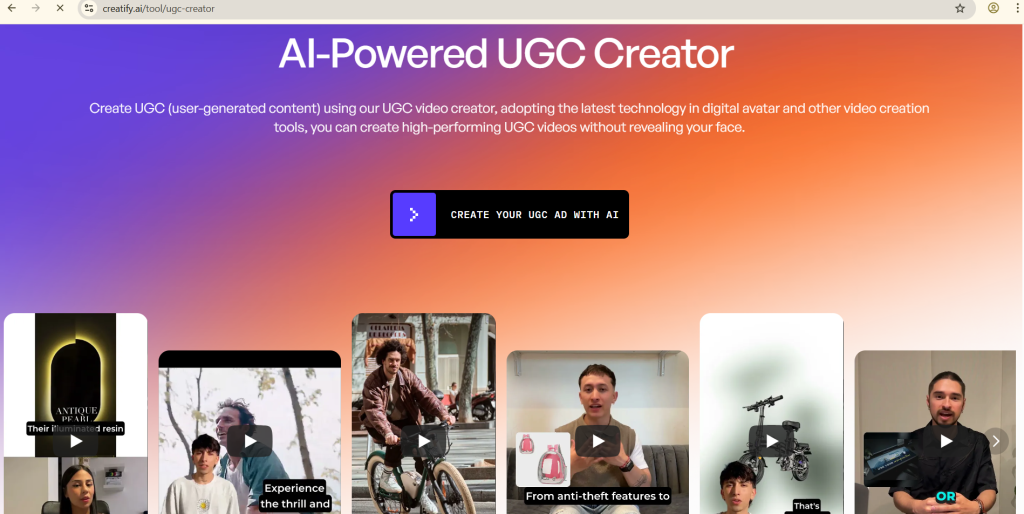
Creatify speeds A/B tests for TikTok UGC. 40+ languages, full cloning. Starts at $39/month. Users love one-click iterations.
On X, it’s praised for “voiceover UGC with lifestyle B-roll… real voices, not AI.”
Arcads: Custom Templates with Emotion
Arcads offers robust templates for emotional UGC. $45/month start. Great for diverse avatars.
Reddit users say: “Arcads for scaled UGC with realistic actors.”
Zeely AI: Enterprise Integration
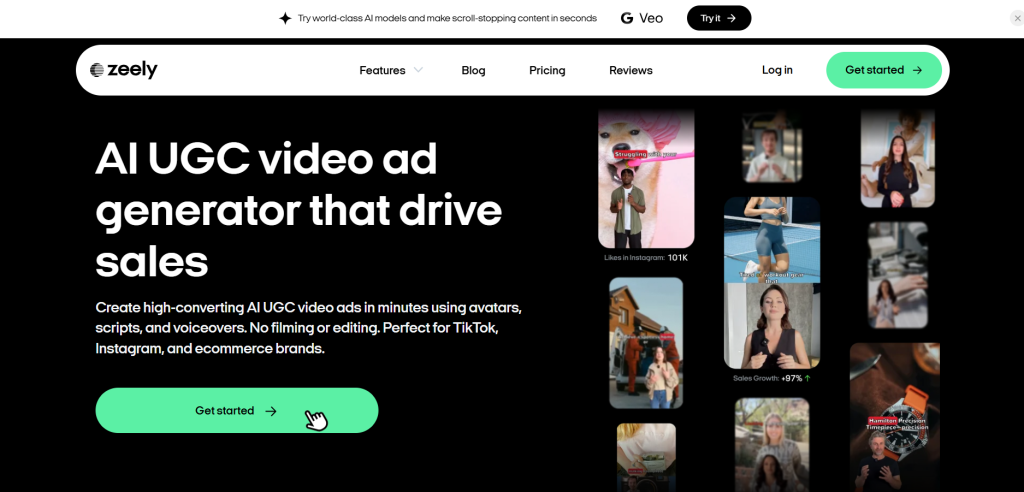
Zeely handles bulk UGC with seamless voices. $49.95/month. High ease-of-use score.
A Facebook share: “Zeely for AI UGC generators… free and paid options.”
How to Pick the Right Tool for Your UGC Needs?
Start with your goal. For global reach, go HeyGen or Synthesia. Need deep emotions? ElevenLabs wins. E-com focus? InVideo.
Test free tiers. Write a 30-second script: “Hey, this cream changed my dry skin game!” Run it through tools, compare feels.
Budget matters. Free for starters, $20-50/month for pros. Scale to enterprise for teams.
Common pitfalls: Overly robotic tones – always add pauses. Mismatch accents – pick audience fits.
From X: “Winning brands test AI voiceover creatives… ship videos in days.”
Real-User Stories from Social Media
Social buzz shows real wins. On Reddit, a marketer stacks ElevenLabs with CapCut: “Realistic voiceovers clone your own… costs ~$25/month total.”
An X thread details testing: “Choose UGC or AI voiceover… launch 3 variations, let Facebook pick winner.”
Facebook tips free tools: “ElevenLabs free tier for better voices.”
One X creator pitches: “Offer AI voiceover package for +$150… boosts A/B tests.”
These stories prove AI cuts hassle while keeping heart.
Advanced Tips: Blending Voices with Visuals
Layer voices over B-roll for trust. Tools like Descript edit text to fix audio. Speed up 20% for energy, per tests.
Clone voices ethically – get consent for real samples. Add subtitles for reach.
For multilingual UGC, translate post-creation. HeyGen does this seamlessly.
The Future of AI Voices in UGC
By late 2025, expect even sharper clones and real-time edits. Tools integrate more with TikTok APIs for direct posts.
Challenges remain: Overuse risks “AI fatigue,” as Reddit warns. Balance with human touches.
Yet, gains are huge: 90% faster creation, per X. “2.5x ROAS on unaware ads… only AI voiceover and B-roll.”
Wrapping Up: Start Creating Today
AI voiceovers turn UGC from chore to joy. Pick one tool, script simple, test bold. Your next viral video waits.

I am a professional blogger and AI enthusiast, sharing practical insights and honest reviews of AI tools to help people use technology smarter.
LinkedIn: https://www.linkedin.com/in/g-s-r/